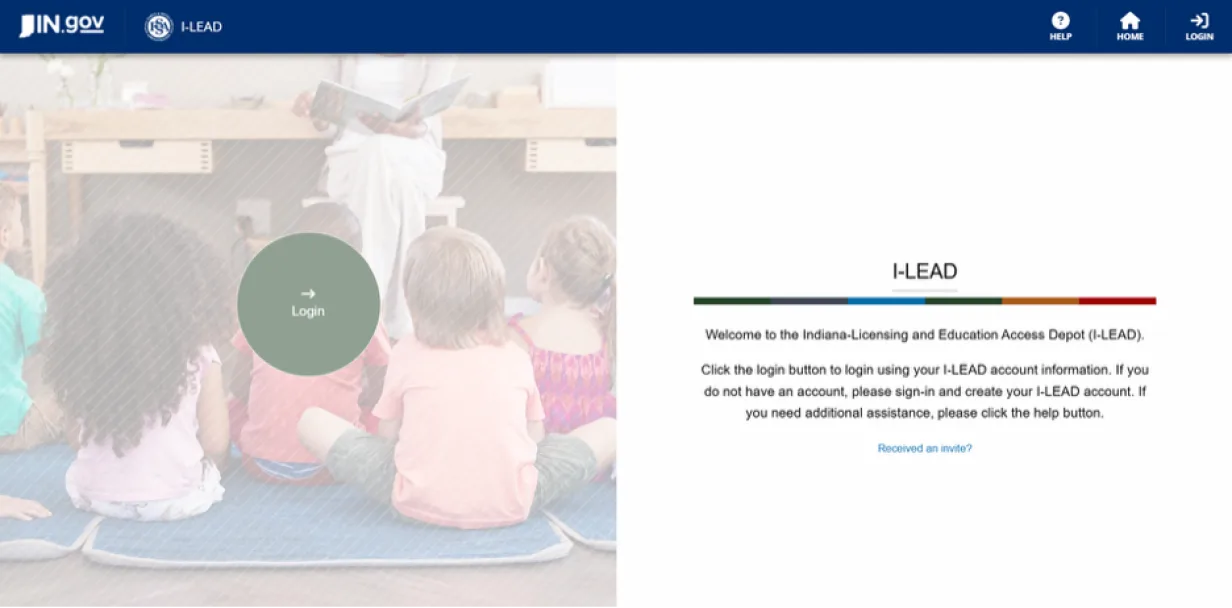
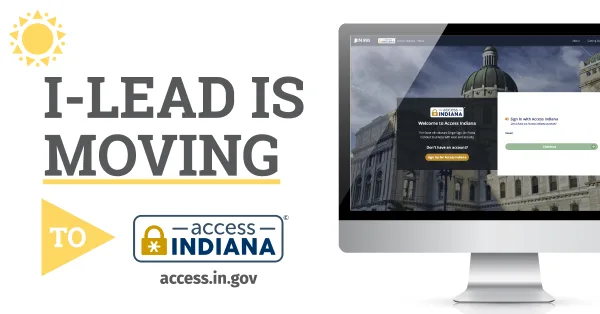
Use the email address you intend to log in with for licensing applications, consent forms and trainings. Each person will have an account and email address that is exclusive to them. If you had an I-LEAD account previously, you can use the same email address as before. If not, you can create an email for free online or ask your provider admin for your work email address.
Email addresses should be a individualized rather than general email addresses set up for the child care (ex: janedoe@gmail.com or janedoe@childcare123.com instead of childcarefacilityname@gmail.com). This keeps personal training and records separate from intake emails designed exclusively for the child care business and makes it easy to merge records if your email access ever changes.