Provider Admin Invites Section
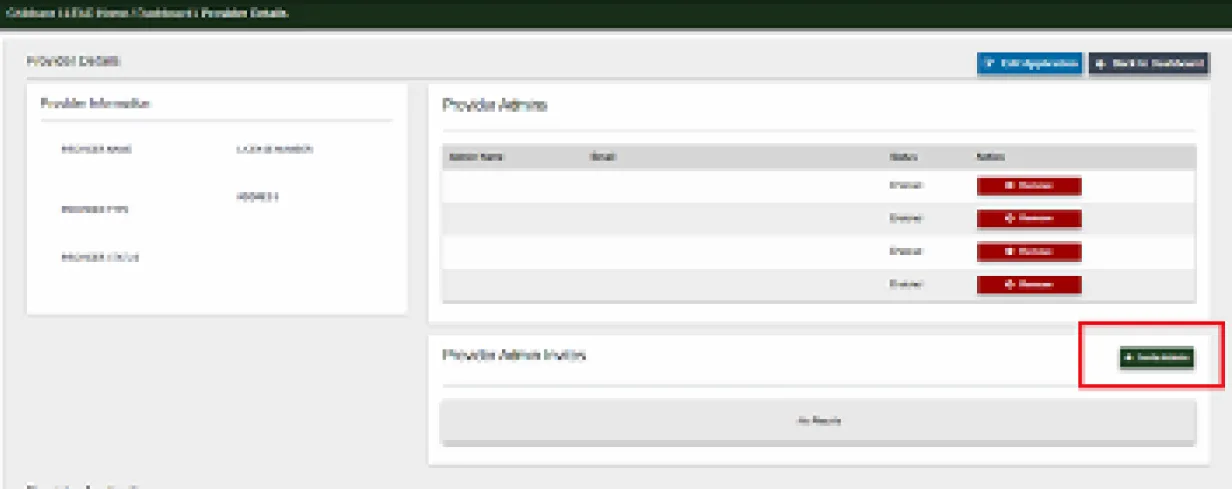
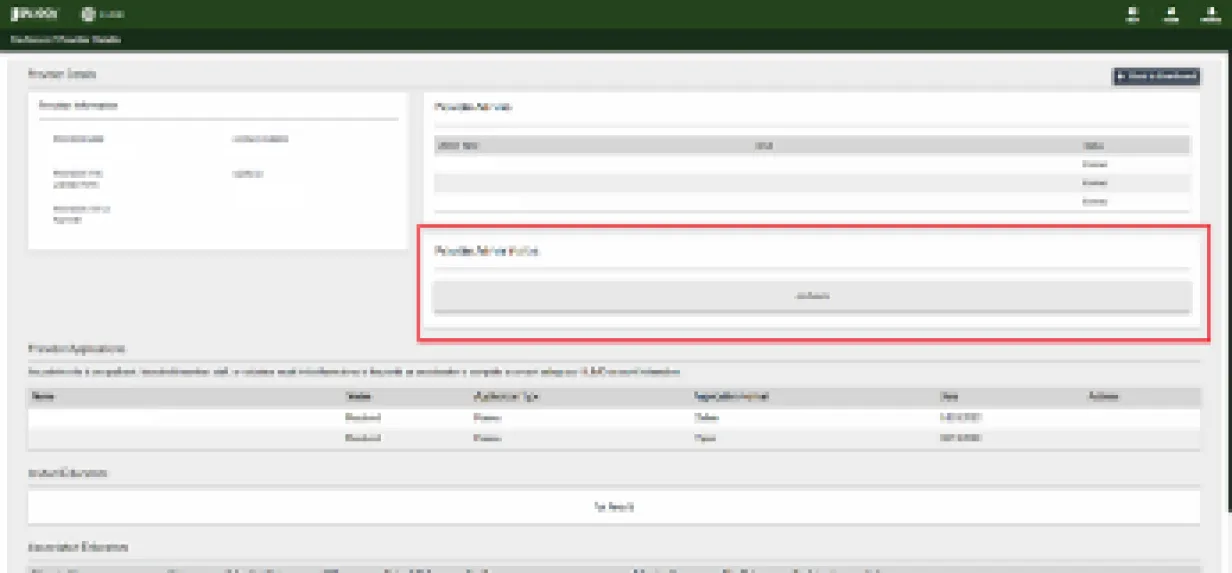
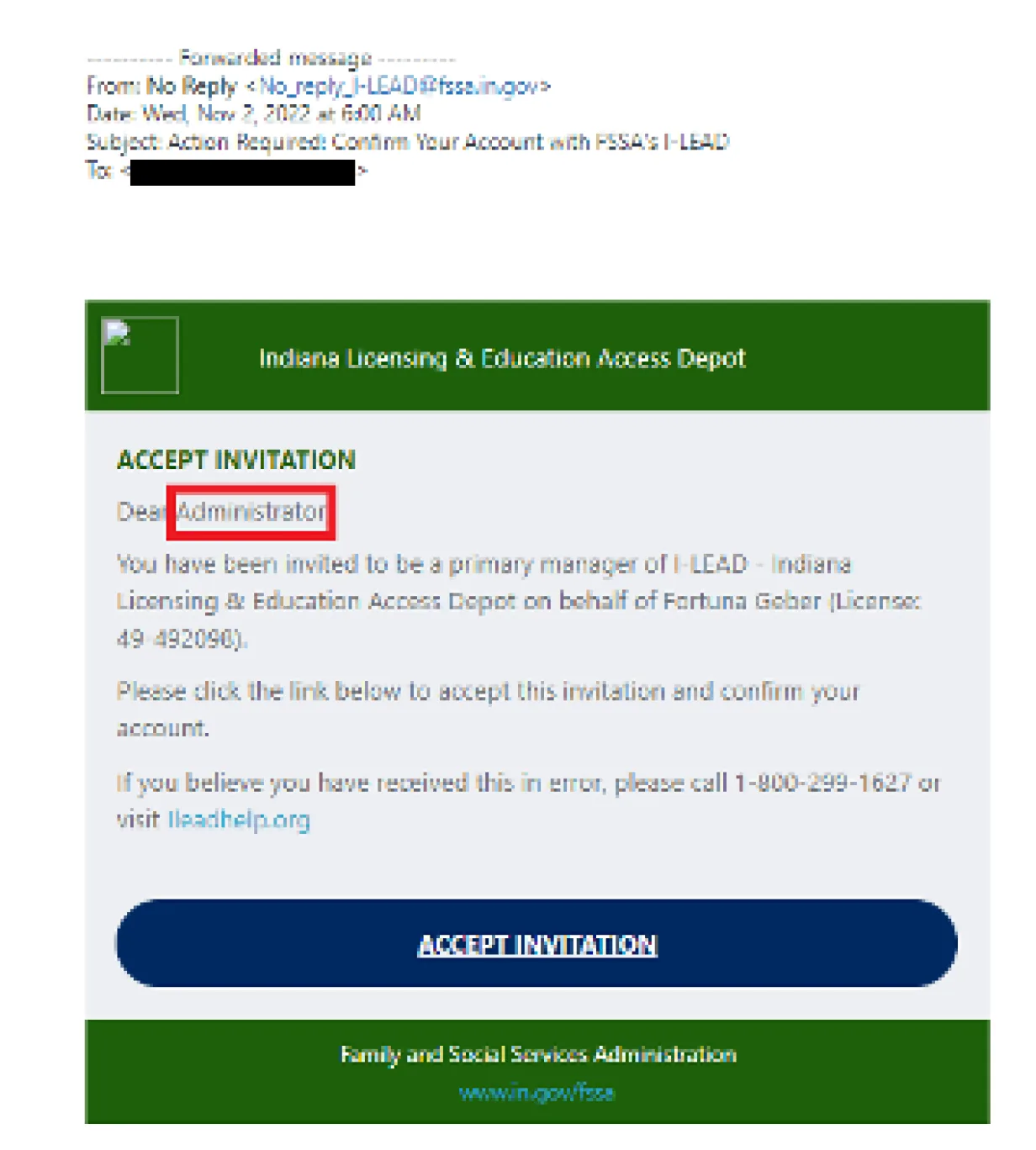
This section is located at the top of the Provider Details page, just under the Provider Admins section and above Provider Applications. It shows any individual who was invited as a provider admin. Those listed in this section have a pending invitation they must accept within 72 hours to receive access to the licensing application and provider admin features. After the 72-hour period, the person who received the invitation must use the “Received an Invite” feature on the I-LEAD homepage to refresh their pending admin invitation.
Note: If done successfully, the “Expired” status will switch to “Pending” status once the Provider Details page is refreshed. If it does not, check the date. Provider admin invitations more than a few months old must be removed and re-invited by the current provider admin.
If the invitation is successfully accepted[GU1] from no_reply_i-lead@www.in.gov, the provider admin’s invitation will disappear from this section, and they will be listed in the Provider Admins section with the email address they used to accept the invitation. This role is designated for managerial staff, including home owners, directors, board members, accountants, pastors, religious leaders, presidents and any other individuals helping manage staff and applications for a child care program. They also have access to licensing applications and invitations.
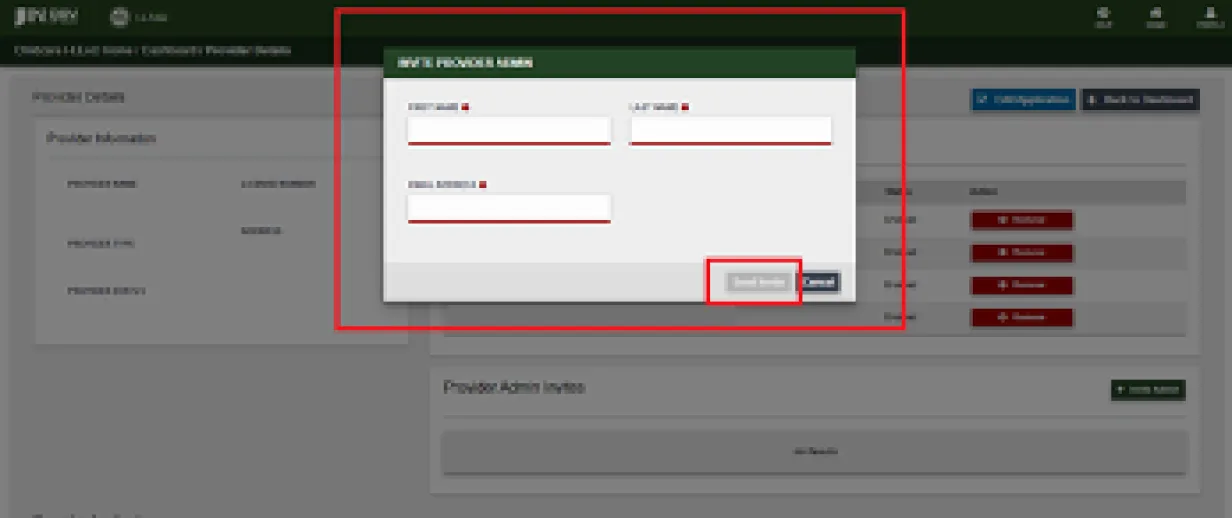
If someone is missing from the roster, any of the currently listed provider admins in the Provider Admins section can send an admin invitation to the new provider admin. Providers can also remove other provider A\admins. This should only be done if a provider admin is no longer assisting with the child care operations. If the invitation is expired but does not have a “Remove” option from the Provider Admin Invites section, ask the provider to re-invite them for the “Re-Invite” and “Remove” buttons to appear. They can then click Remove on the invitation to eliminate it from that section.